
- 28 Feb, 2026
Here is your grammar-corrected and slightly shortened version, keeping it clear and clinic-blog friendly:
With rapid advances in technology, the use of computers and digital devices has become very common. Many people now spend several hours daily looking at screens for work, study, and entertainment.
While digital devices make life easier and increase productivity, prolonged screen use can also cause eye and body discomfort. Using a computer for a short time usually does not cause major issues, but spending more than 2 hours daily on screens may lead to a group of symptoms known as Computer Vision Syndrome (CVS).
At the end of a long day of screen use, you may notice tired eyes, strain, or discomfort. These problems fall under Computer Vision Syndrome. Globally, nearly 60 million people suffer from CVS, and the number continues to rise.
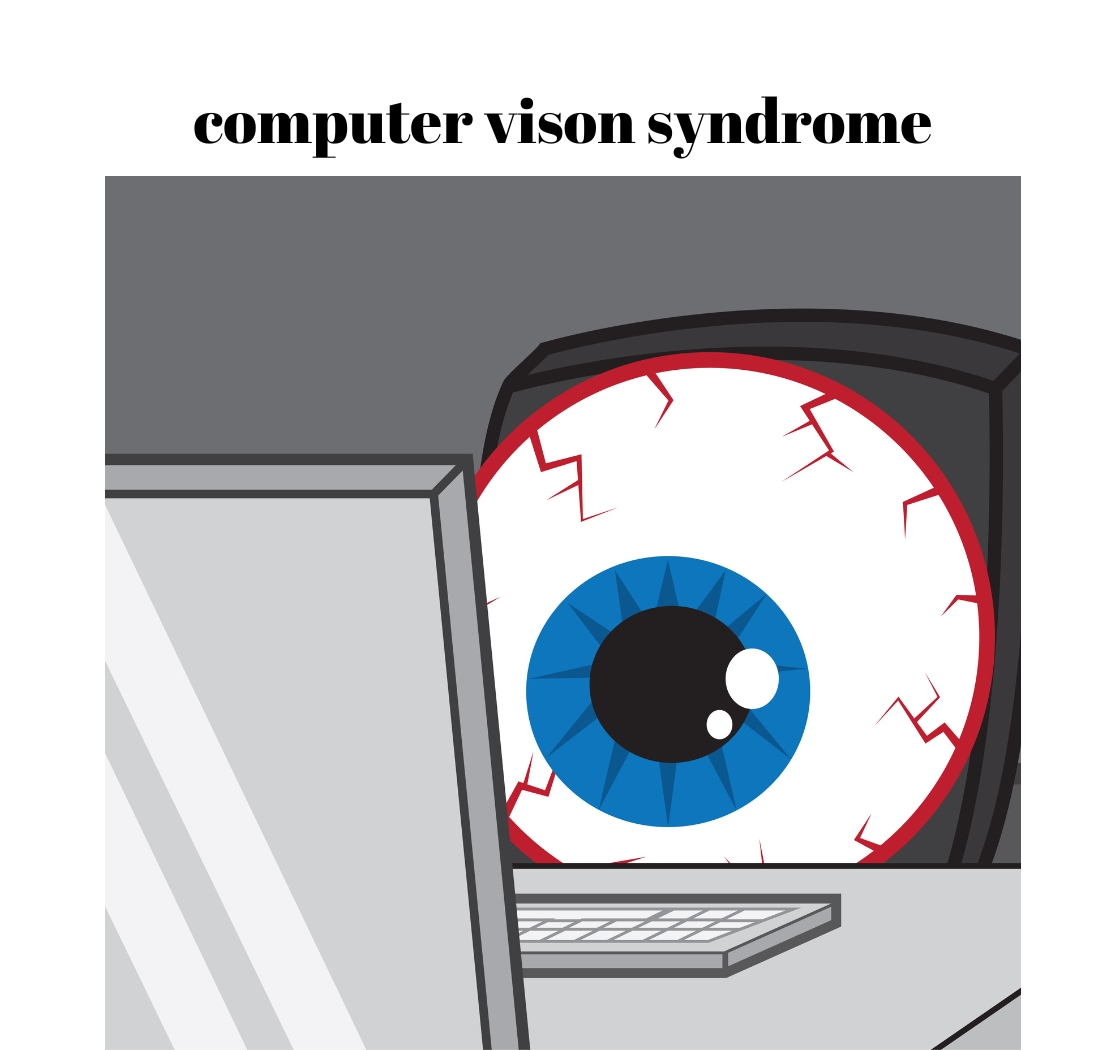
Computer Vision Syndrome, also called Digital Eye Strain, refers to a group of eye and vision problems caused by prolonged use of digital devices such as computers, laptops, tablets, smartphones, and e-readers.
Both adults and children can be affected. Studies estimate that 50–90% of regular computer users experience symptoms of CVS.
There is no strong evidence that computer use causes permanent eye damage, but long and continuous use can lead to symptoms such as:
Eyestrain
Blurred vision
Dry eyes
Double vision
Headaches
Redness and irritation
Neck and shoulder pain
These symptoms are usually temporary and improve after reducing screen time. However, if left unmanaged, they may persist or worsen.
CVS can occur even in people with normal vision. Common contributing factors include:
Improper viewing distance or angle
Screen glare
Poor lighting conditions
Incorrect or unsuitable glasses
Poor posture
Reduced blinking while using screens
Uncorrected vision problems (like refractive errors)
Eye care professionals diagnose CVS through a comprehensive eye examination, which includes:
Detailed symptom history
Vision testing
Refraction to check for power
Tests to assess focusing and eye coordination
The best way to manage CVS is to reduce risk factors and adopt healthy screen habits.
Routine eye examinations help detect and manage problems early.
Every 20 minutes, look at something 20 feet away for at least 20 seconds.
Blinking helps prevent dry eyes during screen use.
Match screen brightness with room lighting and reduce glare.
Keep the screen slightly below eye level and about 20–28 inches from your eyes.
Avoid direct glare from windows or overhead lights.
Sit comfortably with feet flat on the floor and arms supported.
Special computer glasses or blue-cut lenses may help reduce strain.
Computer Vision Syndrome is very common but largely preventable. With regular eye check-ups, proper screen habits, and simple lifestyle adjustments, you can protect your eyes and reduce digital strain.
Foods That Help Strengthen Your EyesightMany people know that a balanced diet supports digestion and...
Glasses or Contact Lenses — Which Should You Choose?After visiting an eye clinic, you may...
Eye Twitching – Causes, Symptoms, and TreatmentMany cultures have different beliefs about eye twitching. Some...




Comments (0)